Modern recording software offers far more capability than most users realize. While basic recording workflows are simple to learn, advanced features can dramatically improve speed, efficiency, reliability, and long-term workflow performance.
Choosing the correct video format is one of the most important decisions when recording or saving streaming media. The format you choose determines file size, playback compatibility, video quality, and how easily your content can be shared across devices. In 2026, three video formats dominate most recording workflows: MP4, AVI, and MKV. Each format serves different purposes, and understanding their differences can dramatically improve your recording results. This premium guide explains how video formats work, when to use each format, how they compare, and which format is best for different use cases.
Whether you’re a Twitch streamer, YouTube Live broadcaster, or someone who hosts webinars, knowing how to create engaging clips from your streams is essential. These short segments can be used to highlight key moments, share funny reactions, or even promote your content across social media platforms.
But if you’re asking, “How do I make a clip after streaming?” — you’re not alone. In this comprehensive guide, we’ll walk through **step-by-step methods to create high-quality video clips** after your live stream ends, using built-in tools from streaming platforms, third-party software, and professional editing workflows.
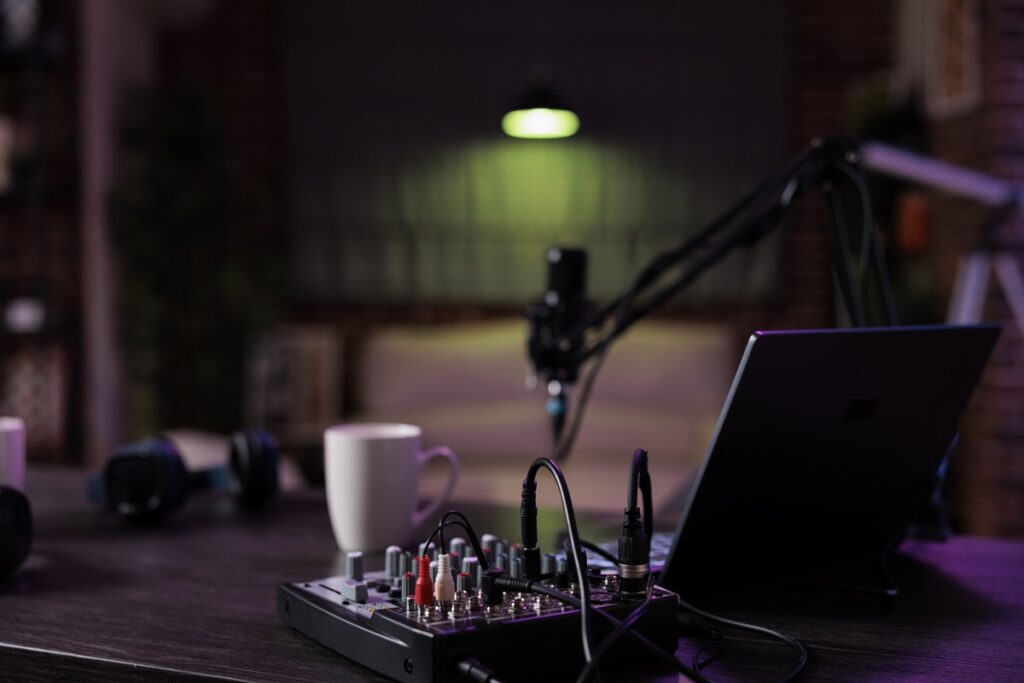
Empty desk with podcast equipment to record live talking show at home. No people in living room used for online vlogging and broadcasting conversation with microphone, sound production.
In the age of on-demand content, podcasts and internet radio have become two of the most popular and accessible sources of news, education, and entertainment. Whether you’re commuting, working out, or just relaxing at home, there’s always something valuable playing online. But what happens when your favorite show airs at an inconvenient time, or you simply want to archive your favorite episodes for later use?
Enter Replay Radio from Applian.com — the ultimate tool for recording and scheduling internet radio streams and podcasts. This intelligent software solution allows you to automatically capture your favorite shows and convert them into portable, high-quality audio files you can enjoy anytime, anywhere.
In this guide, we’ll explore how Replay Radio works, why it’s the best tool for podcast and radio fans, and how to make the most of its features for hands-free listening and long-term archiving.
In today’s digital age, online videos have become a vital part of our daily lives. Whether it’s educational tutorials, entertaining movies, insightful documentaries, or memorable moments captured on social media platforms, videos serve as an essential medium for sharing information and entertainment. However, streaming videos directly from websites can sometimes be inconvenient or even problematic due to buffering issues, unstable internet connections, or the limitations of viewing content offline. This is where video downloaders, such as Replay Media Catcher by Applian Technologies, become invaluable tools.
Applian did their homework. Here are the best Netflix shows and movies this Fall. If you decide to download your favorite show or movie, grab the new version of Applian’s Replay Media Catcher. It’s everything you need in a screen recorder app.
Labor Day is a celebration of the American workforce and the labor movement that has shaped the country’s history. Over the years, Hollywood has produced several films that highlight the struggles, resilience, and triumphs of workers across various industries. Here are five of the most prolific USA Labor Day movies, each offering a unique perspective on the lives of American workers.
The ability to record streaming video can open up the possibility of repurposing your content and sharing it with your friends and family before it is lost in the void of the internet. Using the right tools, you can record almost anything you can stream on your mobile or computer.
With thousands of videos being shared and streamed live on the internet every minute, it can be challenging to process them in real time.
If only you had a tool that could safely and quickly capture those important live webinars or social media videos so that you can go through them when you have the time, right?
If you use the right tools, you can do just that and much more! If you like a video playing on your screen, you can record it, save it on your computer or mobile phone and rewatch it when you want. It can be as simple as that.
You don’t have to miss out on an important webinar or a great live stream just because you don’t have the time to watch it immediately. In the following sections, let’s discuss how you can easily record streaming video on your PC, Mac, or mobile phone.
Meetings are potentially one of the most controversial topics you can raise with colleagues. But the fact of the matter is, love them or hate them, they’re here to stay.
In fact, the average amount of meetings attended increased by 12.9% in lockdown. Yet almost half of all employees deem them to be a waste of time.
So how can you make sure you’re utilizing work meetings in a way that benefits your business and all your stakeholders and get the most value possible from them?
One way is to record meetings. And today, we’re going to list eight vital reasons why you should.
Replay Video Capture has some cool new features and fixes to help improve audio reliability when connecting to internal or external microphones, speakers or any other listening device.
Read on to learn about all the exciting new updates coming your way when you download the latest version of Replay Video Capture. Whether you are a new or existing Replay Video Capture user, you’ll be amazed at how these small but significant changes enhance your experience.